




For business owners

Run the whole business from one dashboard, and grow it while you do

ArtizanSquare is business-management software for businesses that sell time - salons, barbershops, spas, nail and beauty studios, restaurants, clinics, hotels and tailors. Bookings and walk-ins share one calendar, deposits protect the slots that get no-showed, memberships make next month predictable, and your Instagram and WhatsApp messages answer themselves while you work.

Free forever tier. Verification is free on every plan. No card needed to look around.

What running the business actually costs you

Most venues are not short of customers. They are short of the hour a day it takes to chase, confirm, record and follow up on the ones they already have.

Business owner laughing at her phone while working at a laptop
The goal: the admin runs itself, and you get the chair back.

4

apps for one booking

A DM on Instagram, a confirmation on WhatsApp, a note in a book, and a transfer you check on your bank app.

0

record of the walk-in

The customer who came in without booking is the one you never contact again, because nothing wrote them down.

1

empty chair, unpaid

A no-show with nothing held against it costs the slot, the product and the staff hour you had already committed.

The diary

Every booking, walk-in and branch on one calendar
Salon stylist working with a client in her shop

Overview carries the calendar in month, week and day view with the booking list beside it. Bookings taken on your public page, requests you accepted, and walk-ins your front desk checked in all land on the same diary, so nobody is double-booked because one of them lived in a notebook.

  • Month, week and day views on one screen
  • Online bookings and walk-in visits in the same place
  • Works across every branch in your venue network
The floor

See who is in the building right now

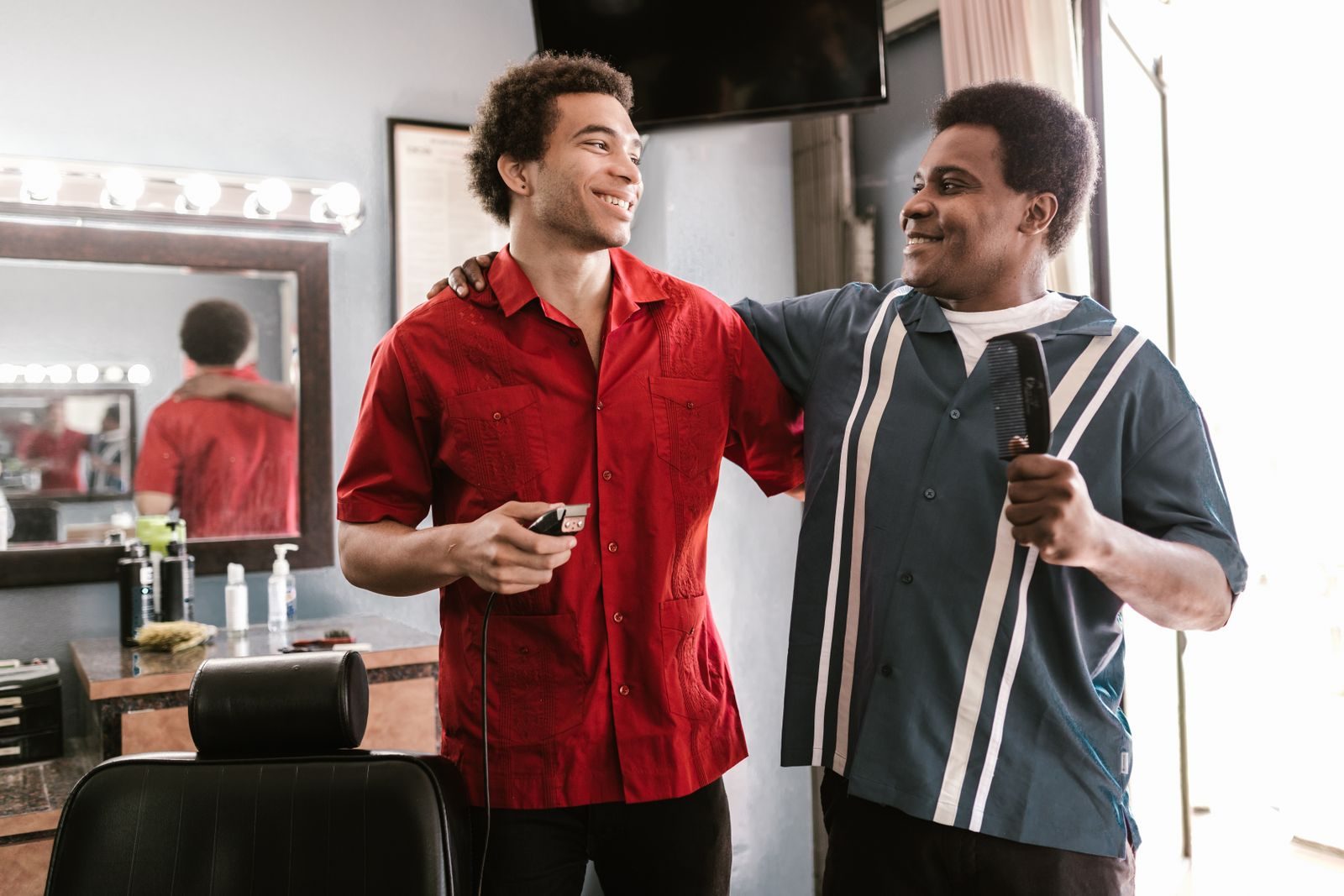
Barber finishing a cut with the cape still on his customer

The visit board shows who is checked in and not yet checked out, what they are having, and what it comes to. Checking a customer out closes the visit, credits your wallet with the takings, and sends that customer their review request - one action instead of three.

  • Live count of customers currently in the venue
  • Today's takings from checked-out visits, voided ones excluded
  • Checkout credits the wallet and triggers the review request
The money

Deposits that turn an intention into a commitment

Business owner going through her orders

Set a deposit on any service and the form shows the exact naira figure your customer will be charged, booking fee included, before you save it. If they never turn up, marking them absent settles the deposit in front of you: what they paid, what you keep, what we take. We earn our 20% share only when a deposit is actually forfeited.

  • Percentage or fixed deposit, set per service
  • The customer-facing naira figure is shown before you save
  • No-show settlement states every amount before it moves
The repeat business

Memberships that make next month predictable

Therapist giving a facial treatment in a spa room

Build membership tiers with their own price and description, then watch subscribers against them. A member's entitlement is deducted server-side when they check in, so the front desk never has to remember who has sessions left. Retiring a tier makes you reassign its active subscribers first - nobody is quietly dropped.

  • Tiers with independent pricing and active or inactive state
  • Entitlements deducted automatically at check-in
  • Active subscribers must be reassigned before a tier is deleted
The team

Give the front desk exactly the access it needs

Two barbers checking their phones between clients

Invite staff by their ArtizanSquare username and switch on the areas they should see: analytics, staff, services, memberships, subscription, the visit log. Your receptionist can run the door without seeing revenue. Payouts and branches stay owner-only whatever else you grant.

  • Per-area permissions rather than one blunt admin switch
  • Invitations are accepted or declined by the person
  • Payouts and the branch network are owner-only by design
The inbox

An assistant that answers DMs and books the slot

Business owner smiling at a message on his phone

Instagram, Facebook and WhatsApp messages arrive in one inbox. The assistant answers from a business brief you can read and edit line by line - every claim traceable to the source it was drawn from - and it hands the conversation to you at boundaries you set. What it can give away from your diary is shown before you switch it on.

  • One inbox for Instagram, Facebook and WhatsApp
  • Replies come from an editable brief, not a black box
  • You see the real slots it would offer, and where it stops

Everything in the business dashboard

Named exactly as you will find them in the workspace, so you know what you are getting before you sign up.

Overview and calendar

The diary in month, week and day view with the booking list beside it, plus a setup checklist that tells you what is still missing from your venue.

Visits

Check customers in with the services they are having, see who is in the venue, then check them out to close the visit and take payment.

Messages

Instagram, Facebook and WhatsApp DMs and post comments in one inbox, with auto-reply, an AI assistant and a qualified leads view beside them.

Automations

Trigger, conditions, action. The after-visit review request is one you can rewrite yourself; it is authored once and delivered as both email and WhatsApp.

Services and deposits

Your service menu with prices and durations, and a deposit policy per service that shows the exact amount the customer is charged before you save.

Memberships

Recurring tiers, active subscriber lists, and entitlements deducted at check-in rather than tracked on paper.

Staff and permissions

Invite the team, set who can open which part of the workspace, and handle join requests from one screen.

Analytics

Visits, revenue from completed visits, unique customers, tracked bookings and your payment mix over any date range you pick.

Payouts

Transaction records, your transfer details and payment link, pay-at-venue settings, and a dispute route when a transaction is wrong.

Branches

Run a venue network: each branch keeps its own address and public page while the whole network stays visible from one workspace.

Gallery

The portfolio customers actually browse before booking, kept on the same profile as your prices and hours.

Connected Profile

Build your venue from Google Business, Instagram, Facebook and WhatsApp in about a minute, then publish corrections back to Google and WhatsApp.

Public business page

Every venue gets a bookable page with services, prices, gallery and reviews, reachable from search and from your own social bios.

Verification and KYC

Get verified so customers can see it. Verification is free on every plan, including the free one - it is not something we sell.

The four ways it grows the business

Not a promise about scale - the four specific mechanisms, and what each one is doing while you work.

Grooming bar with a client in the chair
01

It puts you where people are already looking

Your venue gets a public page with services, prices, gallery and reviews that customers can book from directly. Connected Profile builds it from your Google Business Profile, Instagram, Facebook and WhatsApp in about a minute, and publishes your corrected hours and details back to Google - so the listing people find is the one that is actually right.

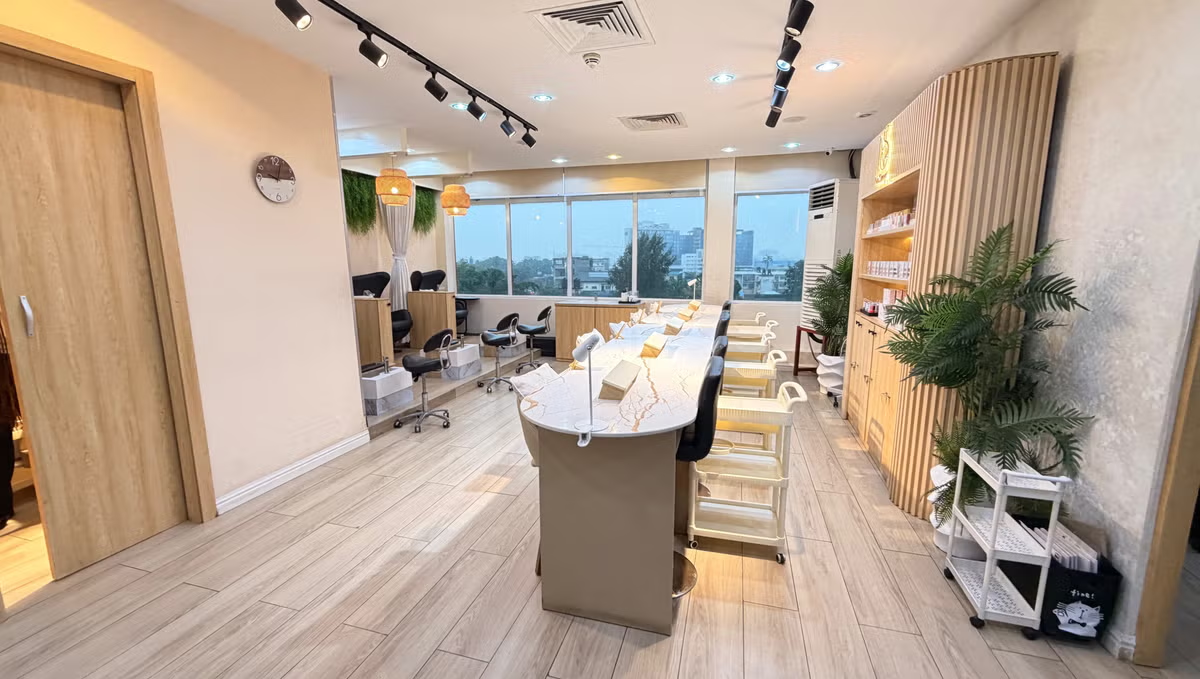
Nail technician working on a client's hands
02

It stops the revenue that leaks

Deposits on the services that hurt to lose. A no-show settlement that states every figure before it moves money. A visit board that records the walk-in who would otherwise leave no trace. Payout records and a dispute route, so a transaction you disagree with has somewhere to go.

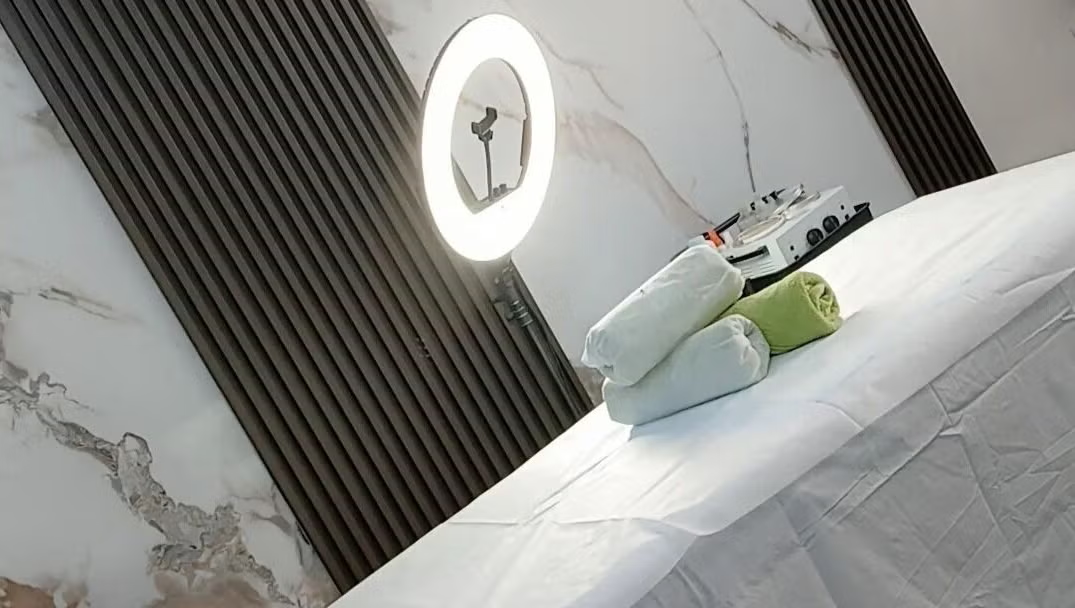
Waxing studio treatment in progress
03

It turns one visit into a standing arrangement

Membership tiers give you money that arrives whether or not this week was busy, with entitlements deducted at check-in so the front desk is never doing mental arithmetic. Every checkout sends a review request automatically, and reviews are what decide the next customer's booking. And every Monday the assistant lists the regulars who are due back - judged by each customer's own rhythm, not a blast to everyone - with a message drafted for each that you edit and approve before anything is sent.

Restaurant owner taking a booking on the phone outside his kitchen
04

It answers the messages you cannot

One inbox for Instagram, Facebook and WhatsApp, with an assistant that replies from your own brief and can book the slot. Switch it on and it also understands the photo of the style a customer wants and the voice note they sent instead of typing - and still quotes only from your own prices. Imported Instagram and Facebook messages are deleted after fourteen days, but what was worked out from them - what the customer wants, their budget, their timing - is kept as a lead, and it keeps what the customer actually said separate from what was inferred.

Built for businesses that sell time

If you have a diary, a service menu, staff on a rota and customers who need a reason to come back, this is the shape of business it was designed around.

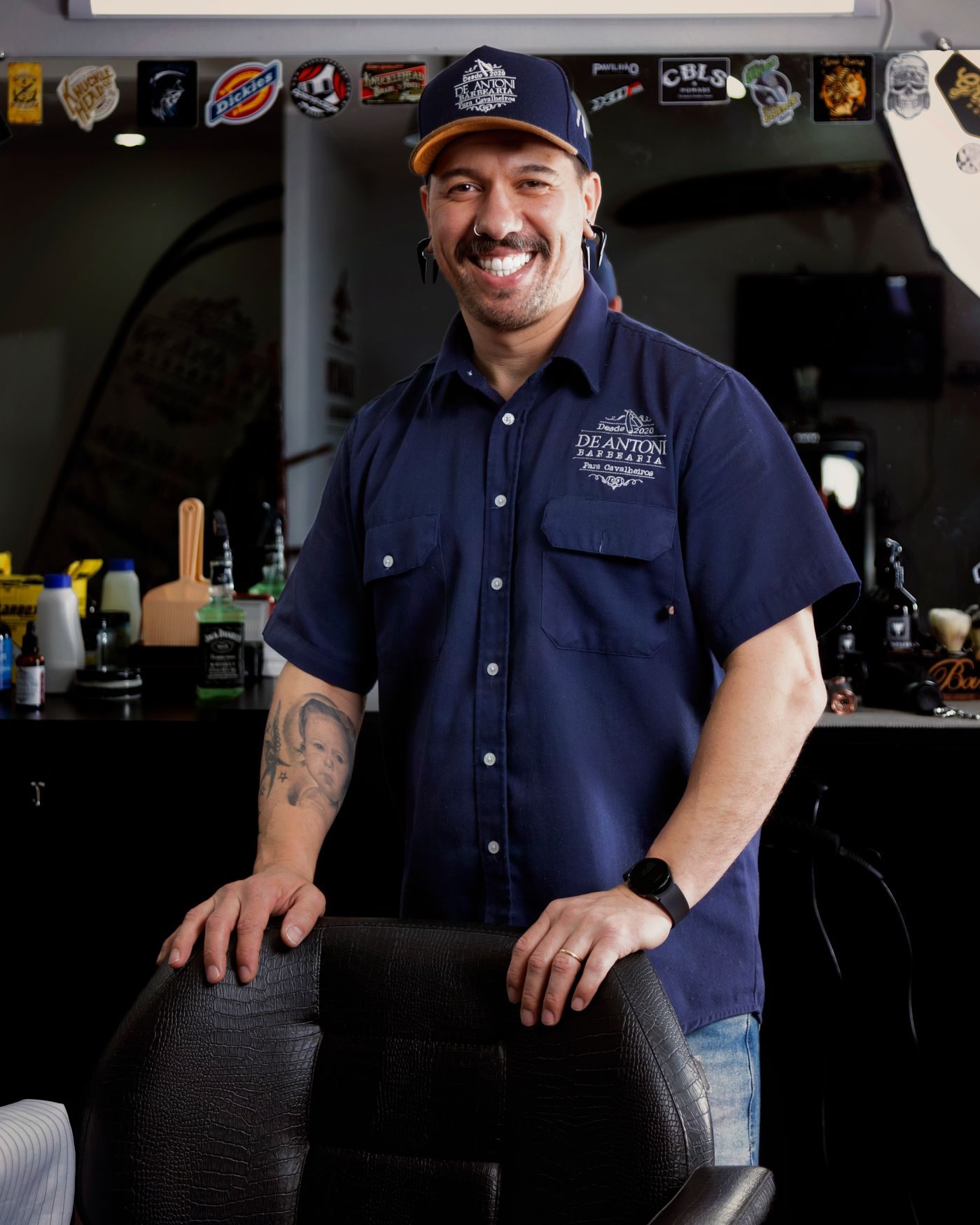
Barbershop owner in the doorway of his shopBarbershops
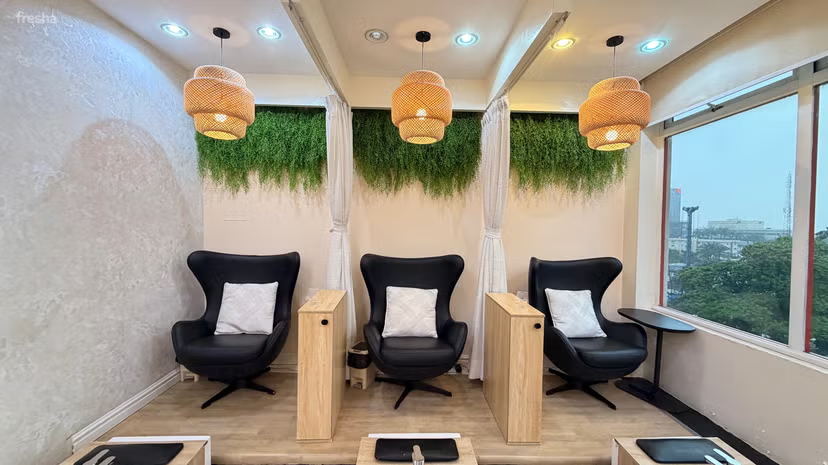
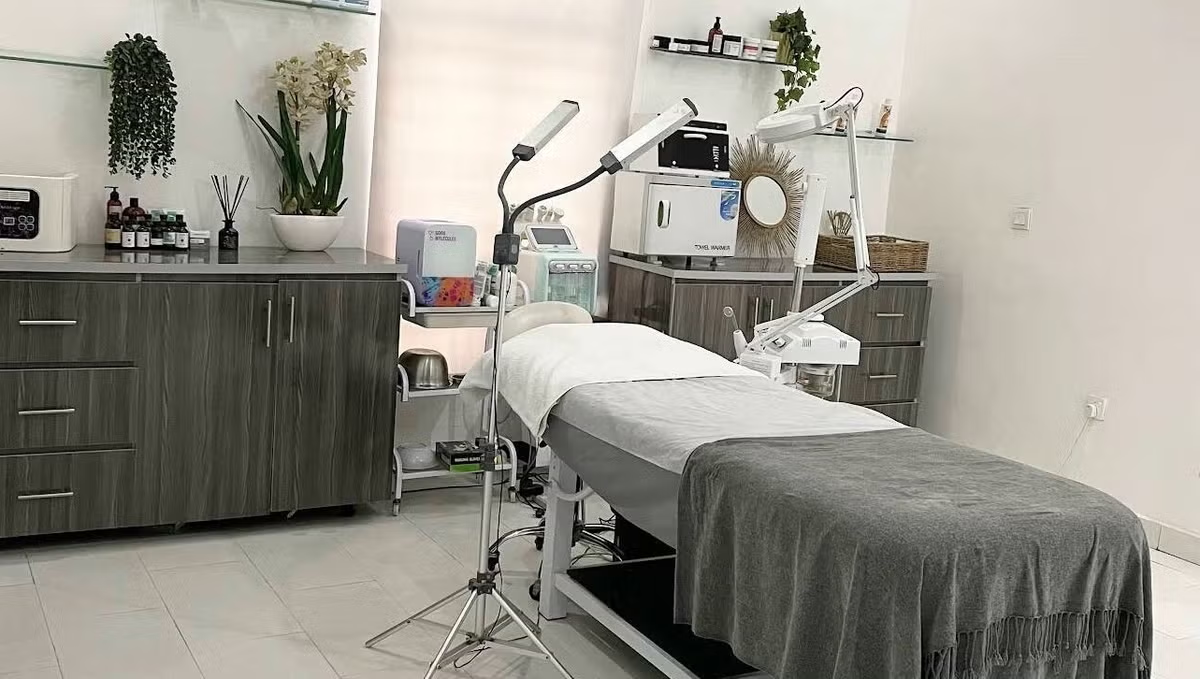
Treatment room at a spaSpas
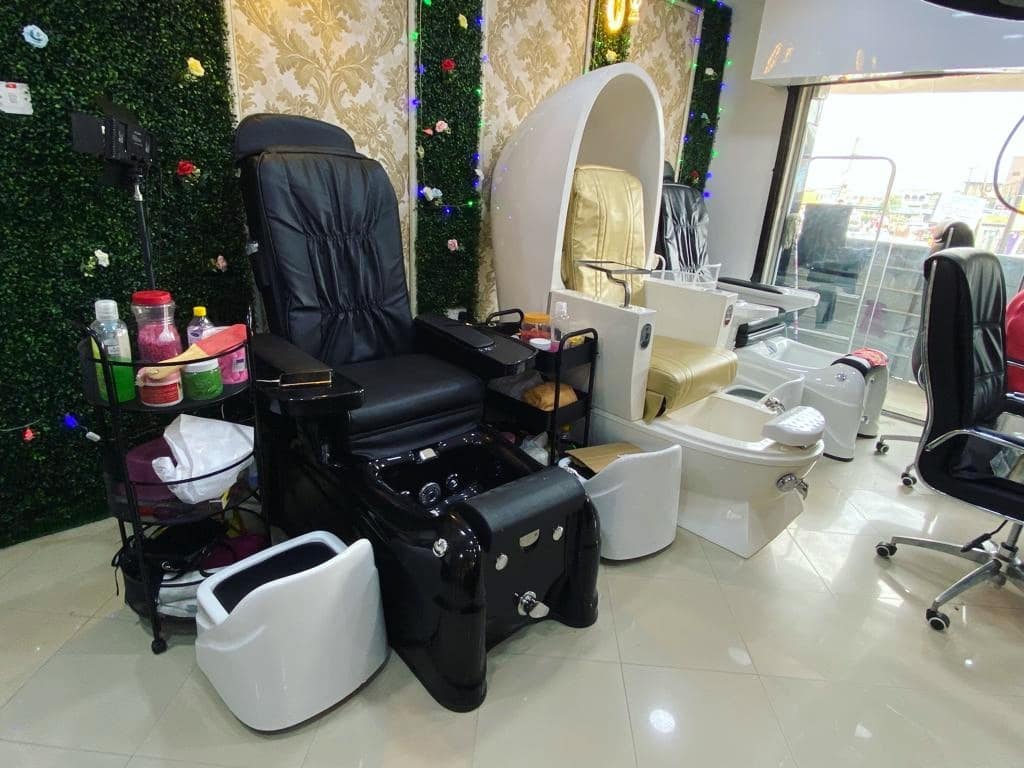
Nail technician finishing a setNail studios
Fashion studio owner on the phone among her railsFashion studios
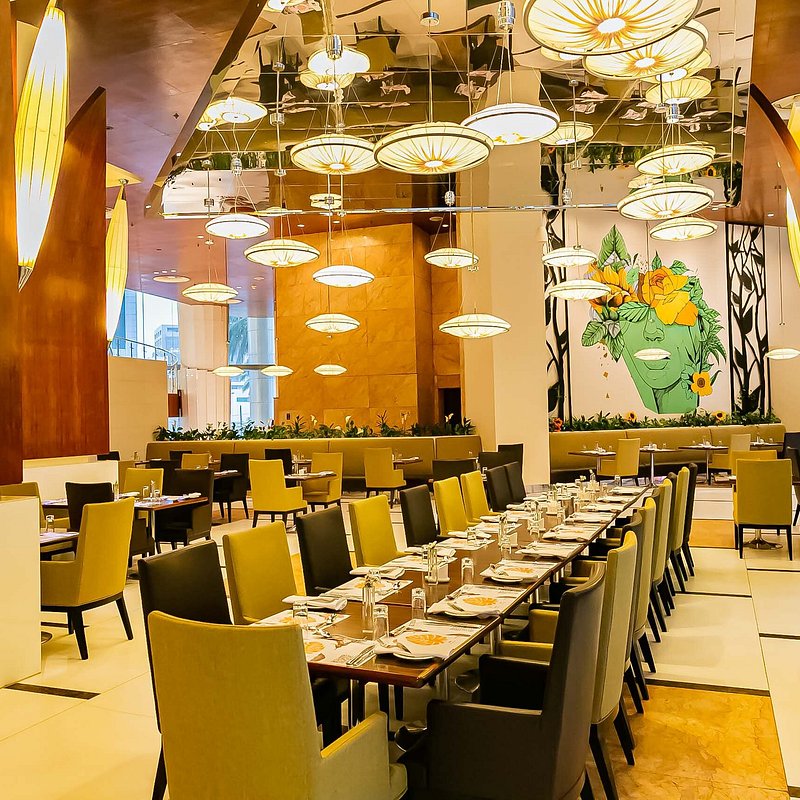
Dining room laid out for serviceRestaurants
Receptionist at a dental clinic front deskClinics
Hotel receptionist at the front deskHotels
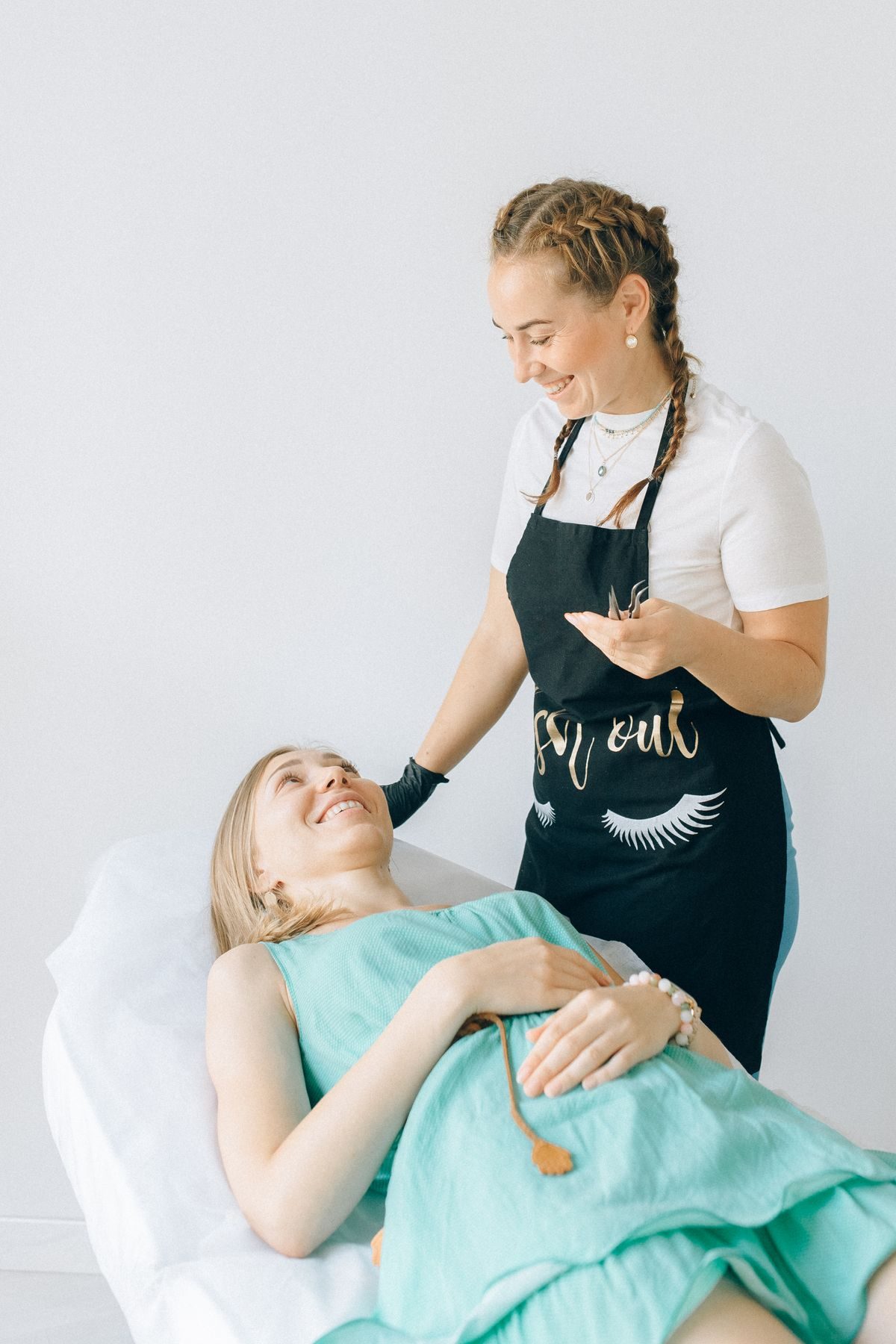
Makeup artist working on a clientBeauty studios
Bakery owner taking an order on her phoneKitchens
Tailor at work in his workshopTailors

How to get your business running on it

Five steps. Most owners are taking real bookings the same afternoon.

  1. 1

    Activate your business

    Create your venue on ArtizanSquare. If you already have a Google Business Profile, import it and your hours, address, phone, categories and photos come with it.

  2. 2

    Put up your service menu

    Add services with prices and durations, and set a deposit on the ones that hurt when somebody does not show up.

  3. 3

    Set up how you get paid

    Add your transfer details, decide whether you accept payment at the venue, and your public page can start taking real bookings.

  4. 4

    Bring in your team

    Invite staff by username and switch on only the areas each of them needs. The front desk can run the door without seeing your revenue.

  5. 5

    Let the follow-ups run themselves

    Turn on the after-visit review request and the DM auto-reply, so the work that happens after a customer leaves stops depending on you remembering.

What it costs

Written out rather than only linked to, because a price nobody can find reads as a price somebody is hiding.

₦0

free forever tier

Run a venue, take bookings and get verified without paying anything.

14

days of trial on paid plans

A one-off ₦100 registration fee ($1 outside Nigeria) saves your card. Cancel before the trial ends and nothing further is charged.

20%

of a forfeited deposit

Our share when a customer no-shows and their deposit is forfeited - the one moment the deposit earned its keep. Never taken from a completed visit.

When a customer pays a booking deposit through ArtizanSquare we keep a small share and send you the rest, and that percentage drops as you move up a plan. Verification is free on every plan, including Free - keeping customers safe from bad actors is our job, not something you should have to buy. See the full pricing table.

What it does not do

Worth knowing before you sign up rather than after.

  • It is not stock or inventory software

    ArtizanSquare manages time, services and customers. If you need to track product units, cost of goods and reorder levels, that lives outside the dashboard.

  • Analytics reports what the venue recorded

    Revenue figures come from completed visits and tracked bookings. Cash a customer handed over that nobody checked out does not appear, because nothing told the system it happened.

  • Instagram and Facebook profiles cannot be edited by us

    Meta provides no API for an app to change a Page's hours or an Instagram bio. Those two are read-only sources. Google Business and WhatsApp are the platforms we can publish back to.

  • Imported social messages are deleted after fourteen days

    Instagram and Facebook conversations are not kept as a permanent archive. What the assistant worked out from them is kept as a lead, but the message thread itself is not a filing cabinet.

  • Customer photos and voice notes are kept for a day

    So you can see what came in overnight, then the files are deleted. What the assistant heard and saw stays in the conversation, and the customer still has the original in their own app. Videos are never watched - you are told one arrived so you can look yourself.

  • The assistant hands over rather than improvising

    It answers from the brief you wrote. Where a question falls outside it, the conversation comes to you - which is the point, but it does mean somebody still has to be reachable.

Help Center

Questions business owners ask

Straight answers, grouped by what you came to do. Can't find it? Ask the assistant.

Give your business the front desk it never had

Set your venue up, put your services on it, and let the diary, the deposits and the follow-ups run themselves. The free tier does not expire.